

I have been fortunate to see this blog grow, and I want to thank each of you for your support. With growth, however, come increased responsibilities. Running a blog takes far more time and effort than it appears: creating quality posts, styling and editing photographs, and managing promotion all demand hours of work. I believe that attention to photography and thoughtful projects is worth the effort — readers are drawn to well-crafted content and clear images.
A Note for Greek Readers
I have an important announcement for my Greek readers: after much consideration I must stop publishing the Greek translations I have been providing over the past year. I realize some of you have enjoyed my imperfect Greek, and I appreciate your patience and good humor. At this point, I want to offer practical alternatives so you can still read posts in Greek when you wish.
The most popular browsers used by readers are Chrome, Safari and Mozilla Firefox. Below I explain how to use each browser’s translation features or extensions to view the blog in Greek. These methods will give you more reliable translations than my homemade attempts and free me to focus on photography and crafting clearer tutorials.
Chrome Browser
Chrome includes a built-in translation feature that often appears automatically at the top of the page when it detects a language different from your browser’s default.
To translate a page: select the language you want (Greek), check the box to “Always translate” if you prefer automatic translation in the future, and then click “Translate.”

The translation is not always perfect, but it is generally reliable and much faster than manual translation. Use the “Always translate” option to make future visits seamless.

Safari Browser
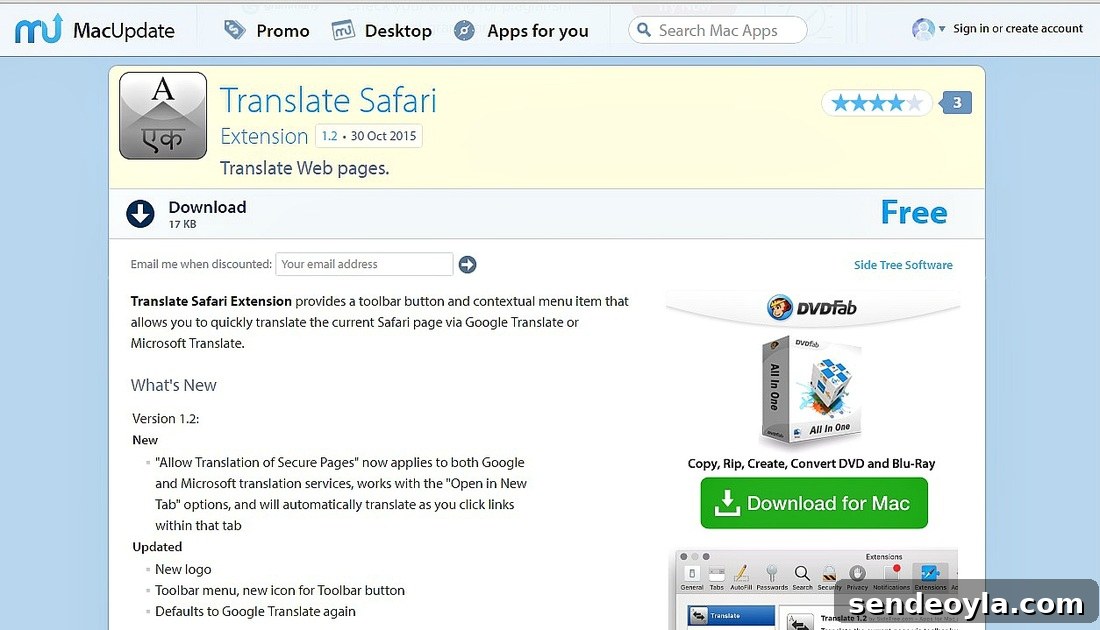
Safari does not include a universal translator by default on older macOS versions, but extensions are available to add translation functionality. Look for a reputable Safari translation extension in the Mac App Store or by searching for “Translate Safari extension” on trusted extension directories. Install the extension and enable it in Safari’s preferences to translate pages into Greek.
Mozilla Firefox
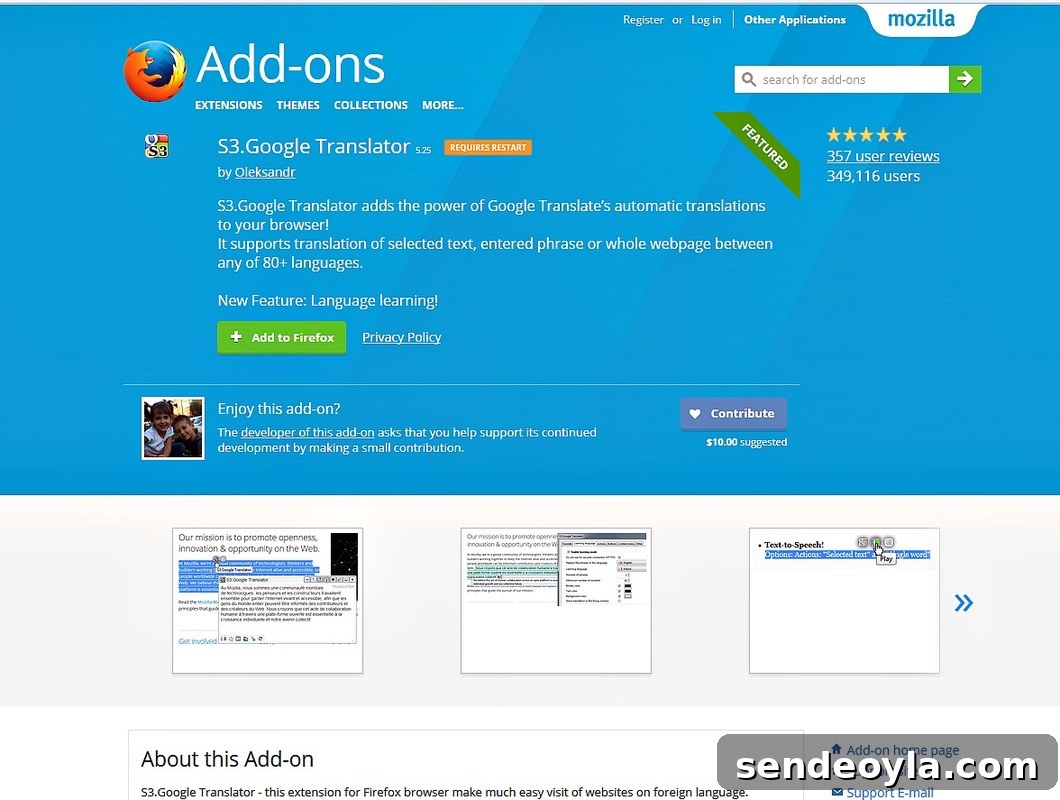
Firefox supports translation via add-ons. Search the Firefox Add-ons site for a translator extension (for example, look for a Google Translator add-on or another well-rated translation tool). After installing the add-on, you can access it from the toolbar and choose Greek as the target language.
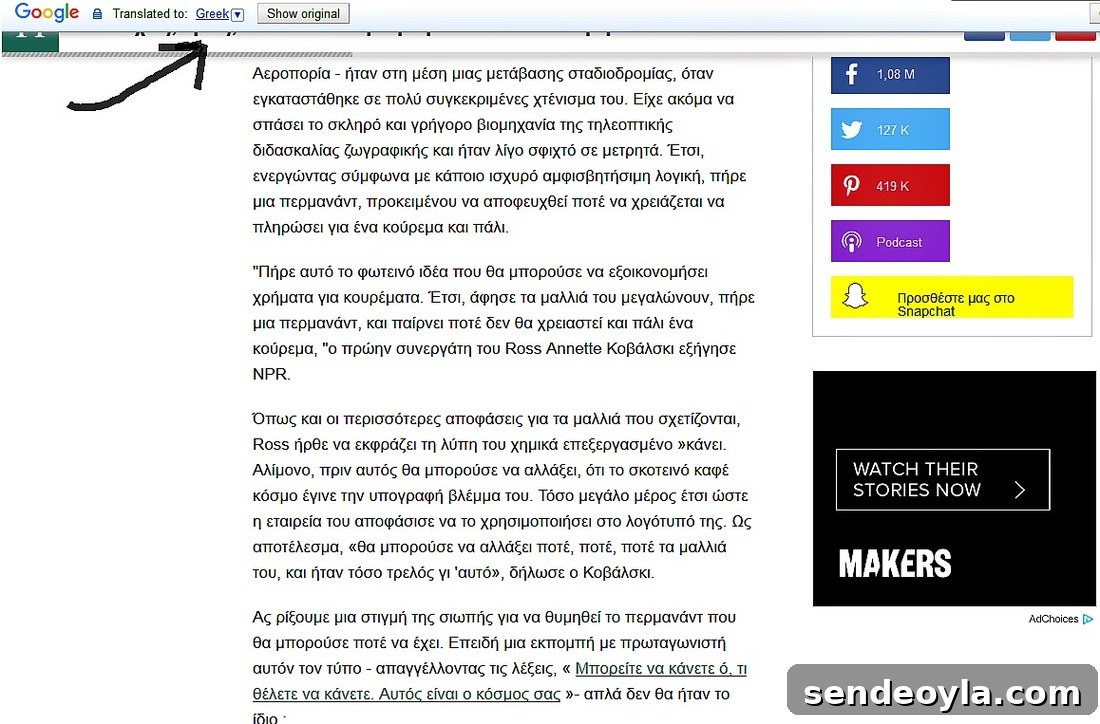
Once activated, the extension will indicate when a page has been translated into Greek. If you prefer automatic translation, check the add-on’s settings and enable automatic or one-click translation for sites you visit frequently.
These three approaches—Chrome’s built-in translator, a Safari translation extension, and a Firefox add-on—are practical ways to read this blog in Greek. I’m sorry to stop offering my own translations, but this change lets me focus on producing higher-quality posts and clearer photography. I hope images and step-by-step visuals will make the tutorials easy to follow even when English is the primary language on the page.

I will add this post to the sidebar for easy access so you can reference the translation instructions whenever needed.
You may also like:
<< School Bag Makeover IBC Home Facebook Photography for August >>
This blog is for entertainment purposes only; DIY tutorials are not professional advice. Read the full disclaimer on the site.
I love receiving your comments and I reply to each one. Please note: do not include hyperlinks in your comment, as they cannot be published.